








REVIT PRODUCTIVITY
EXPLORE PRC
PRECISION Revit Center
A controlled toolkit for faster, clearer Revit production.

Move closer to the world. Cairo remains the source signal.
Select a project to open its journey, drawings and live model.

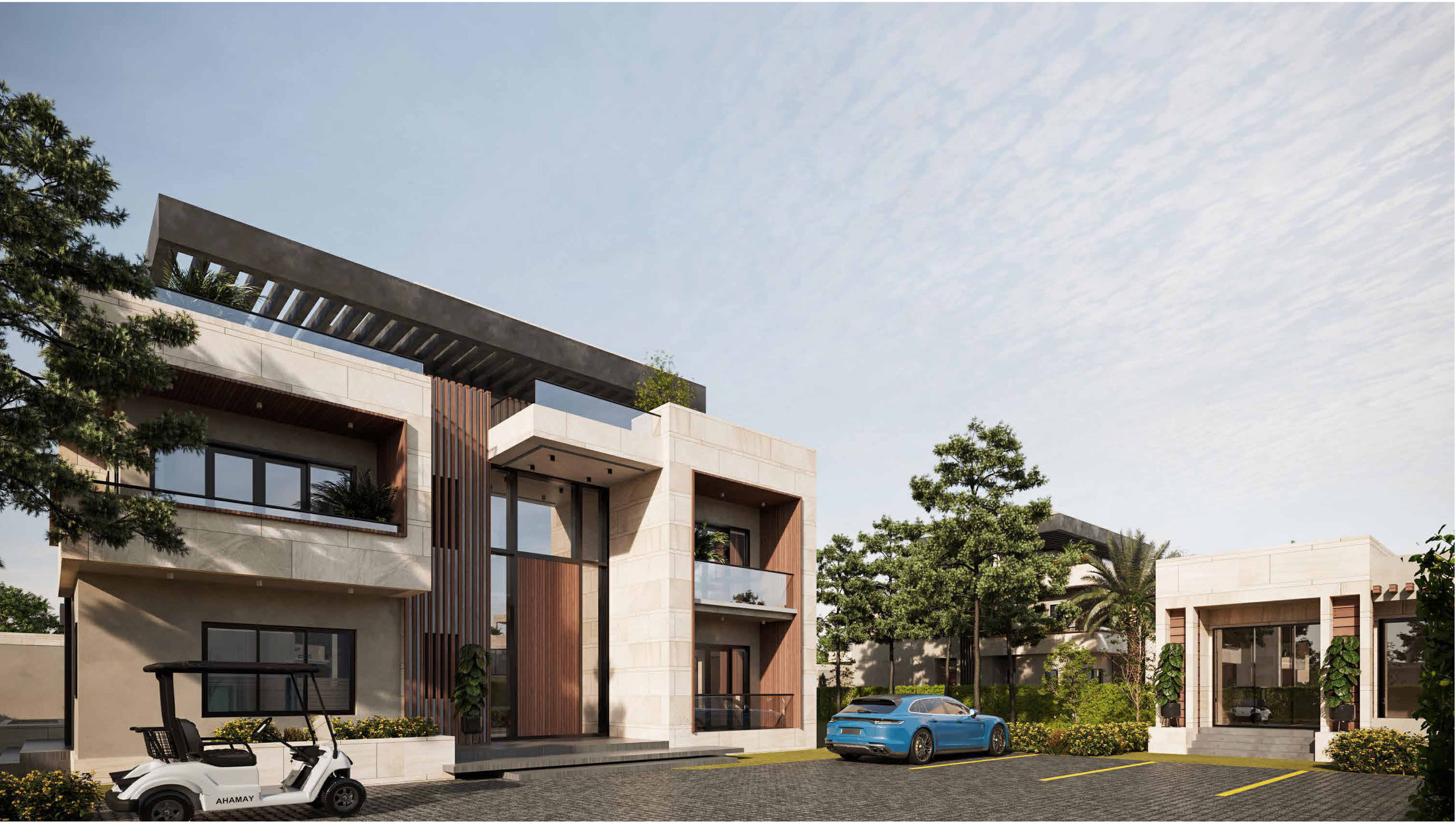
THE LARK RESIDENCE · TYPE A
Explore the project in two complementary ways. Follow the curated engineering story, or enter the real BIM model and inspect what Precision delivers.
DRAG TO MOVE · HOVER TO HOLD · MUSIC SYNC
Focused products that turn repeatable production work into reliable systems.
A controlled toolkit for faster, clearer Revit production.

Coming soon
PRC — PRECISION Revit Center
A focused Revit toolkit for faster production, clearer coordination and repeatable project delivery.
Manage worksets and isolate the elements needed for the current task.
Copy from linked models and align annotations through focused commands.
Apply controlled text updates and prepare consistent project exports.
Every entry below comes from the signed PRC installer catalog and supports Revit 2019 through 2026.
Create, join, tag and shape model content.

Array any selected family instance along a model or detail line path.

Join selected model categories using real solid intersection checks.

Write floor layer build-ups to a shared parameter and optionally place floor tags.

Create native waterproof ribbons or thermal insulation waves along Revit paths.

Split one flat floor using a drawn or selected native curve.
Inspect the model and control the active working context.

Audit worksets, correct checked findings, and isolate worksets in the active view.

Frame the current Revit selection in the active view.

Inspect model coordinates, dimensions, tiny elements, and off-axis geometry.

Refine the current Revit selection with nested category and parameter filters.

Temporarily keep selected elements or selected categories visible in the current view.
Move information and refine documented output.

Copy eligible model elements from one selected Revit link.

Create a verified dimension chain from the visible contour of selected model elements.

Align supported annotation bodies to a straight reference without changing their leaders.

Find exposed names and text, preview matches and replace checked editable results.

Load or save Graphic Properties with the selected strength.
Clean, export and run repeatable project operations.

Delete many elements by selected scope, views, and categories after preview and confirmation.

Export the active Revit 3D view as a true interactive 3D PDF.

Export supported sheets, views and schedules with item-specific PDF, DWG, image and table formats.

Run and manage project or local scripts.
Coming soon